
How to keep hybrid offices clean
Hybrid working has become an increasingly popular way for businesses to operate. And as office spaces become more flexible, keeping them clean and hygienic brings new dynamics. These include different teams coming in on different days, sharing desks with several colleagues, and some common spaces getting used more than others.
While hybrid work adds complexity to the facility manager’s job, it doesn’t have to be a hurdle. A well-planned cleaning strategy tailored to hybrid work patterns, combined with employees who understand their role in keeping the space tidy, can make keeping offices spotless and safe not only achievable but even help your business stand out from competitors.
Why does hybrid work matter?
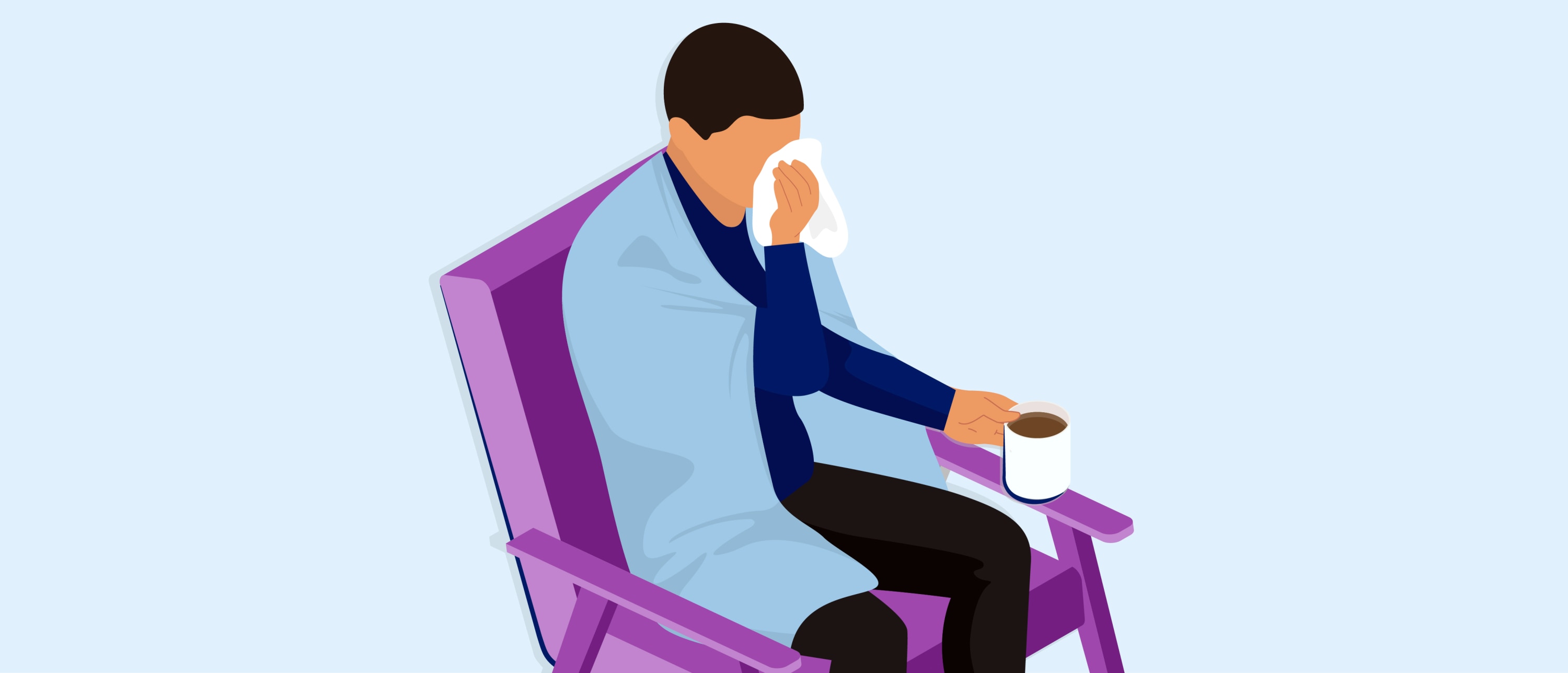
Make hygiene and cleaning products easily accessible
- Hygiene stands equipped with hand sanitizer dispensers at exits and entrances, as well as outside meeting rooms.
- Hand soap and paper hand towel dispensers close to sinks to allow for proper hygiene practices, especially around food.
- Facial tissues, hand sanitizer, and disinfectant wipes near desks, covering all the hygiene and cleaning needs that may arise.
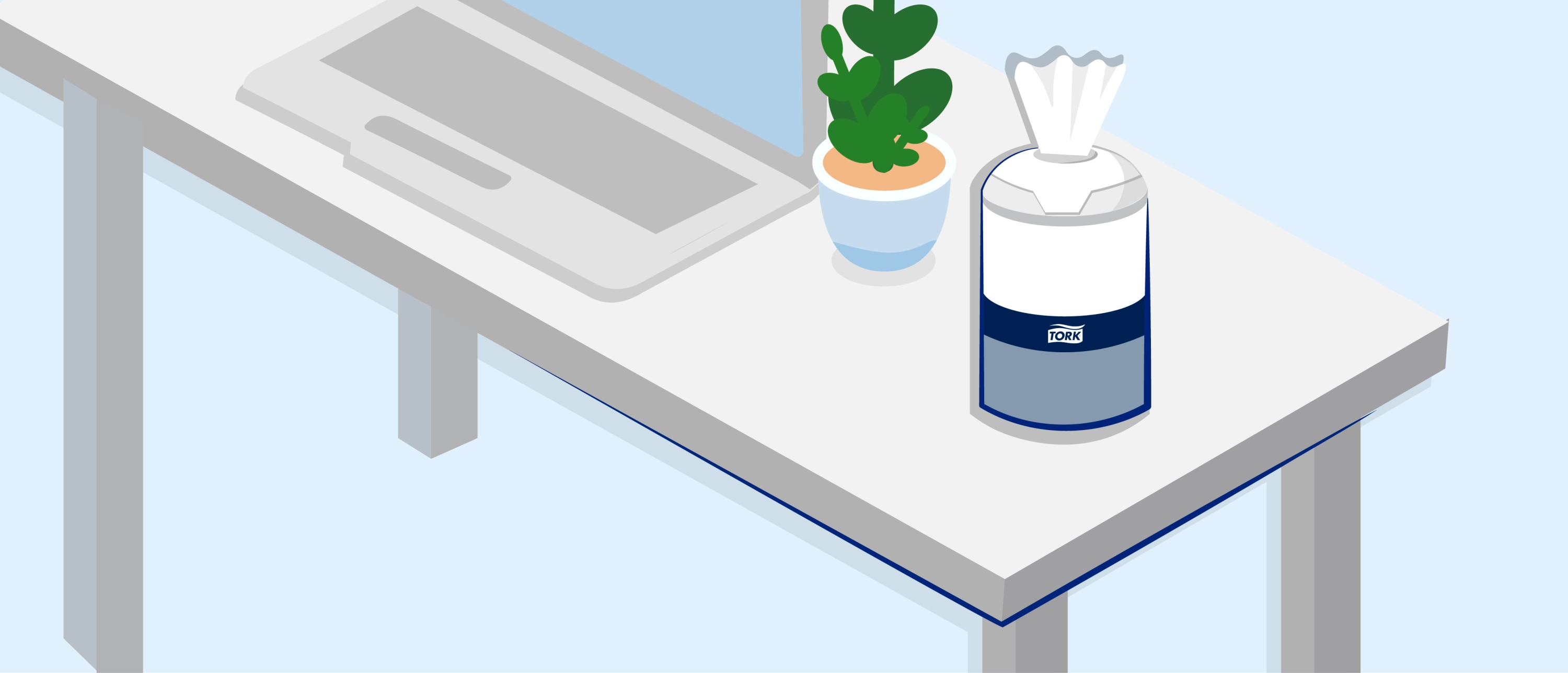
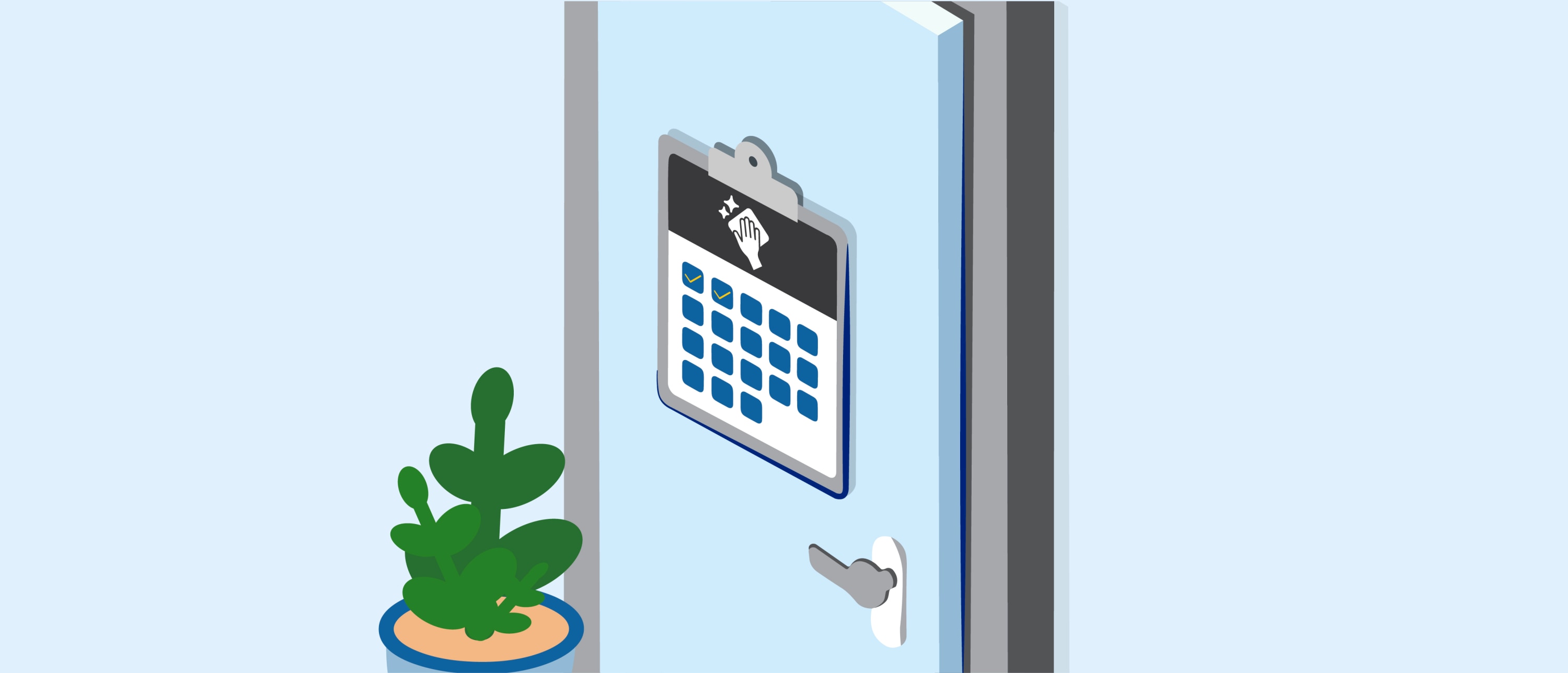
Create a thorough cleaning schedule
- Regularly cleaning high-touch areas (door handles, kitchen areas, desks, elevator buttons, and restroom fixtures).
- Conducting routine deep cleans of the entire facility.
- Properly stocking cleaning supplies and hygiene products, both for janitorial and employee use.
Keeping track of hygiene product availability, especially in a larger facility, can be a tricky task. However, with Tork Vision Cleaning, your cleaning staff can easily know when dispensers need refilling. This allows you to optimize your teams’ time without compromising on hygiene standards.
When it comes to designing a cleaning schedule for a hybrid facility, there are a few particular aspects to consider:
- Allow room for flexibility in your schedule and among your cleaning teams to accommodate for changes in working patterns. For example, with increased office presence, you may need to add shifts to your cleaning program.
- Clearly define rules and responsibilities for your cleaning teams to follow. This could involve placing desk signage that instructs employees on cleaning procedures, like wiping surfaces and equipment after use.
Use a desk reservation system
Train employees on hybrid working hygiene practices
Practicing proper hand hygiene
- Wet - Wet your hands with clean, running warm water. Turn the tap off and apply soap.
- Lather - Rub your hands with hand soap. Lather between the fingers, the back of the hands, and under the nails.
- Scrub - Scrub your hands together until you've completely spread the soap across them. This should be done for around 20 seconds.
- Rinse - Turn the tap back on and rinse your hands in clean, running water.
- Dry - Use a paper hand towel to dry your hands.
Cleaning desks at the end of the work day
Tork Clean Desk Policy
Nice and tidy
- When your desk is clean and free from paper and clutter, your office space looks attractive, professional, and efficient. You’ll feel more in control in a well-organized environment.
- When sharing desks, minimize clutter. That way, you can easily switch to meeting rooms without too much hassle or leave your desk at the end of the day.
- A clutter-free desk is easier to keep clean.
Hygienic
- Sharing desk space, keyboards, and other accessories with colleagues comes with potentially increased hygiene risks.
- Wipe and disinfect all surfaces to minimize the hygiene risk.
- Wash your hands properly to keep yourself and your colleagues healthy.
- Don’t come to the office if you are ill.
Secure
- When you leave your desk, check to see if there is any visible sensitive information and place it inside a folder or off your desktop.
- For additional security, make sure to switch on your computer's password-protected screen saver.
- Don’t write down passwords on sticky notes or paper.
- Pay attention to your background when you are in online meetings and make sure confidential information is not displayed when sharing your screen.
- You may not know who will be using your desk when you leave it: keep control of sensitive information to reduce the risk of a data breach and identity theft.
- When you leave your desk for the day, don’t leave papers, sticky notes, or other documents on it, especially if they contain sensitive information.